Welcome back everyone! Today we are painting the Moldy Crow. This is a pretty quick paint job all things considered, with only the window frames being particularly tricky. For those of you who played Jedi Knight and Dark Forces this is a nice path down memory lane.
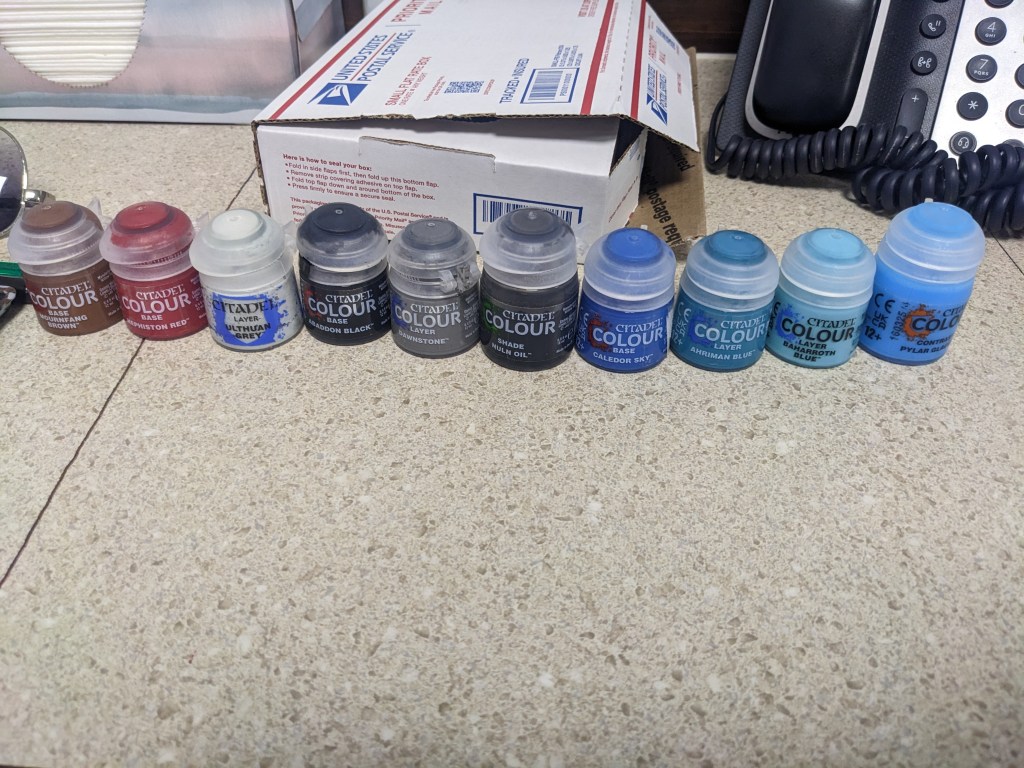
Once again we will be using Games Workshop paint because I like them. This is not a sponsorship or promotion. Today we are going to use Base Mournfang Brown, Base Mephiston Red, Layer Ulthuan Grey, Base Abaddon Black, Layer Dawnstone, Shade Nuln Oil, Base Caledor Sky, Layer Ahriman Blue, Layer Baharroth Blue, and Contrast Pylar Glacier.
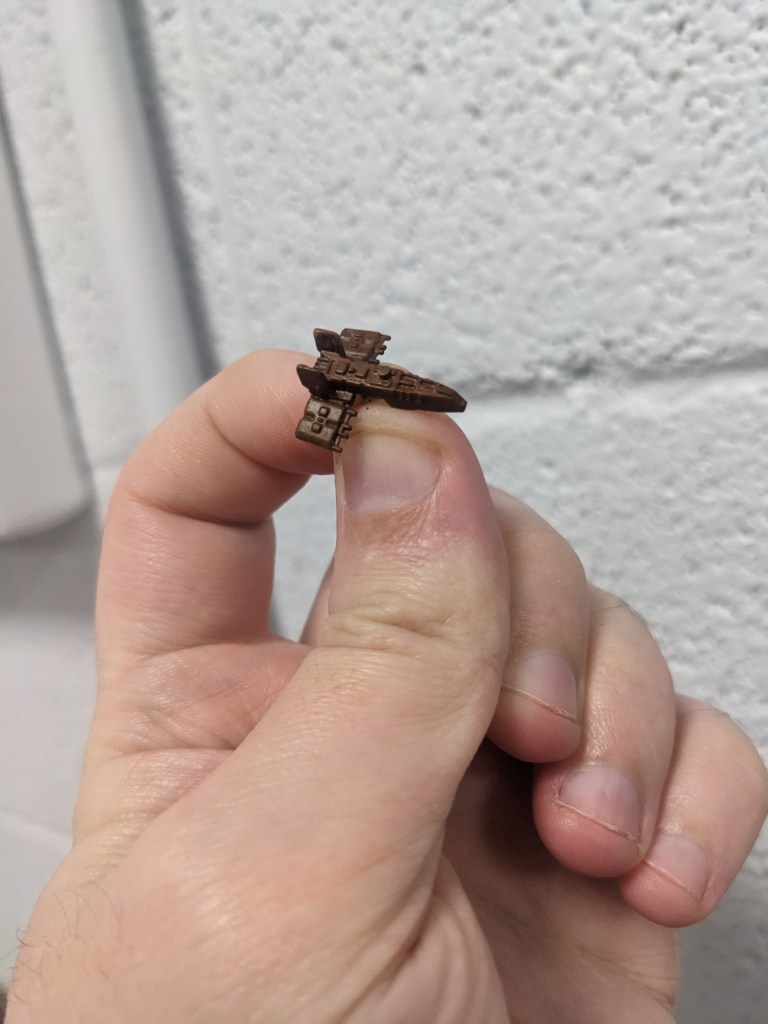
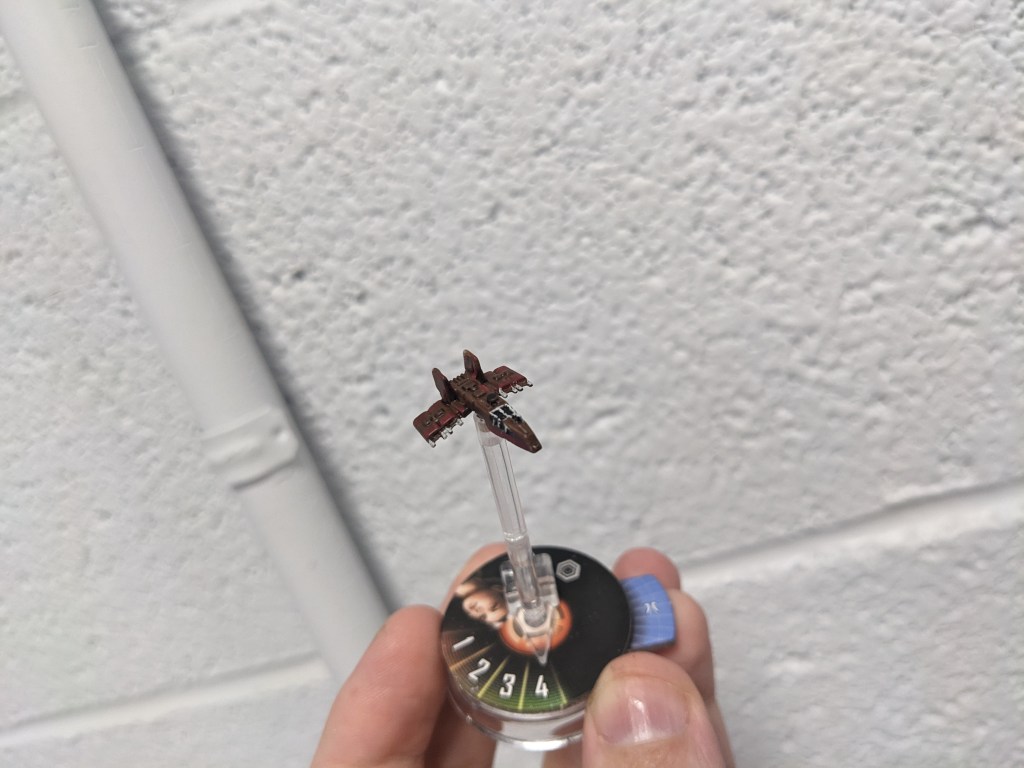
First, do a base coat of the whole craft with Base Mournfang Brown. For those of you following along in order of release, you will be relieved to know that for once we are not starting with Layer Ulthuan Grey (but yet you cannot escape it!).
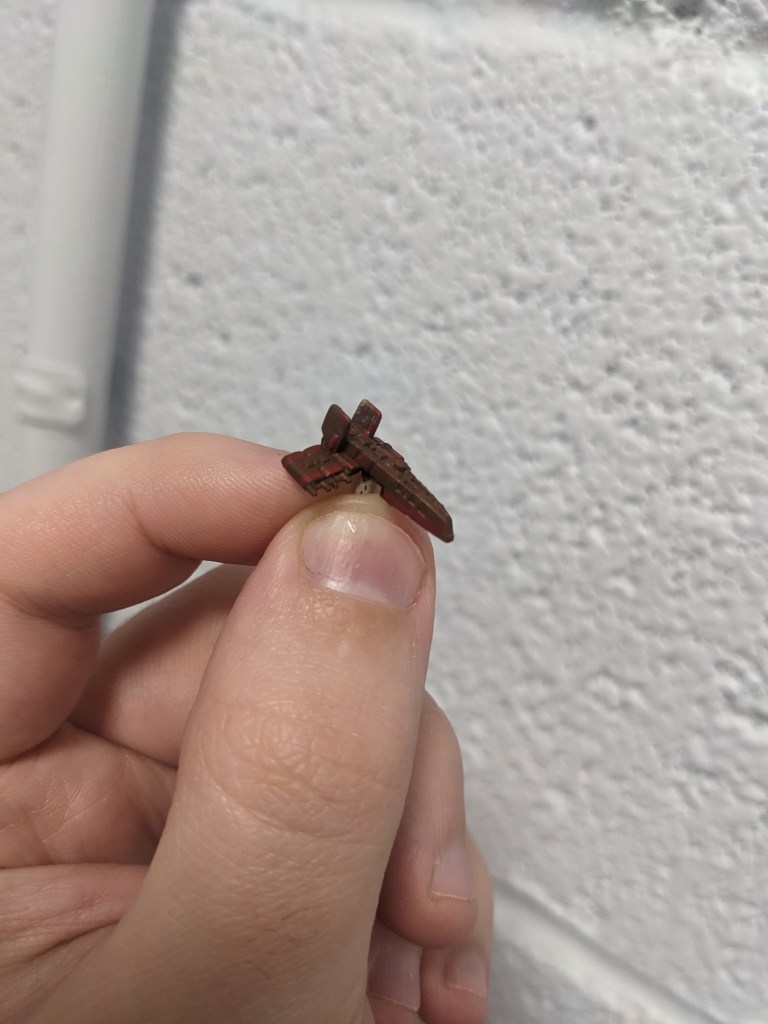
Next we are going to do some trim with Base Mephiston Red. It is a pretty dark red in the games, and when applied on the brown it will be a nice subtle trim color instead of bold. Basically the front and back of the engines, part of the fins, and the lower trim coming up to a hook on the nose will get this treatment as well as a few tiny lines on the upper hull.
Next we will apply Layer Ulthuan Grey on the sensor pods and window trim. The trim is recessed, so we cannot effectively dry brush it like we have most of our TIE variants so far.
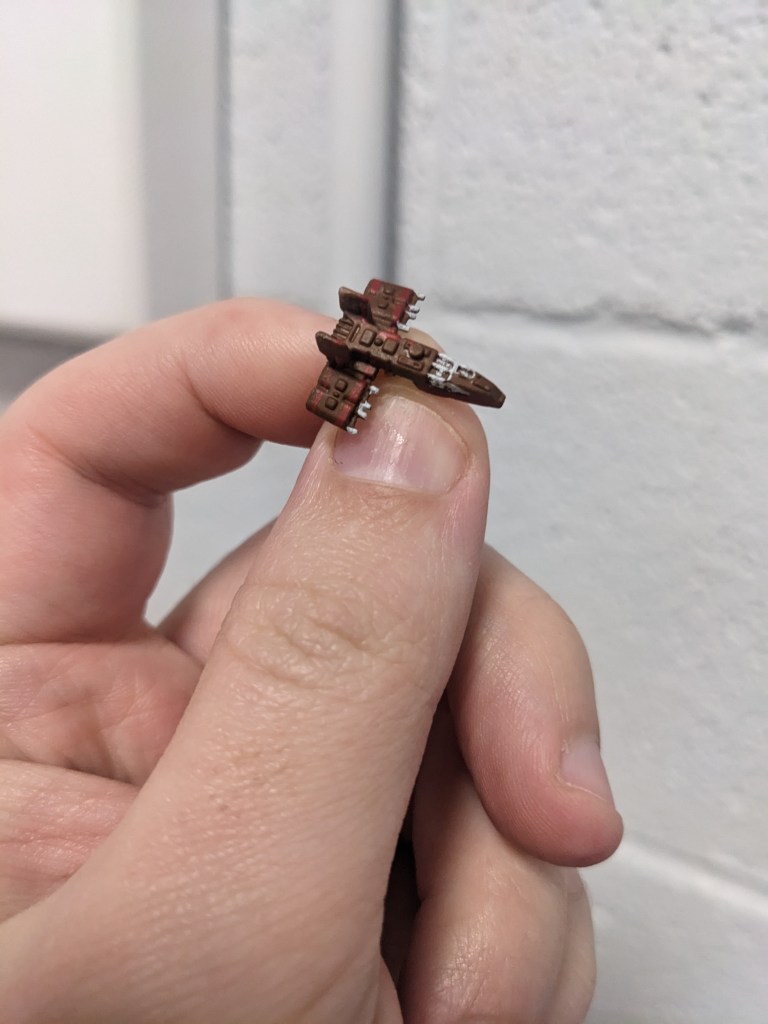
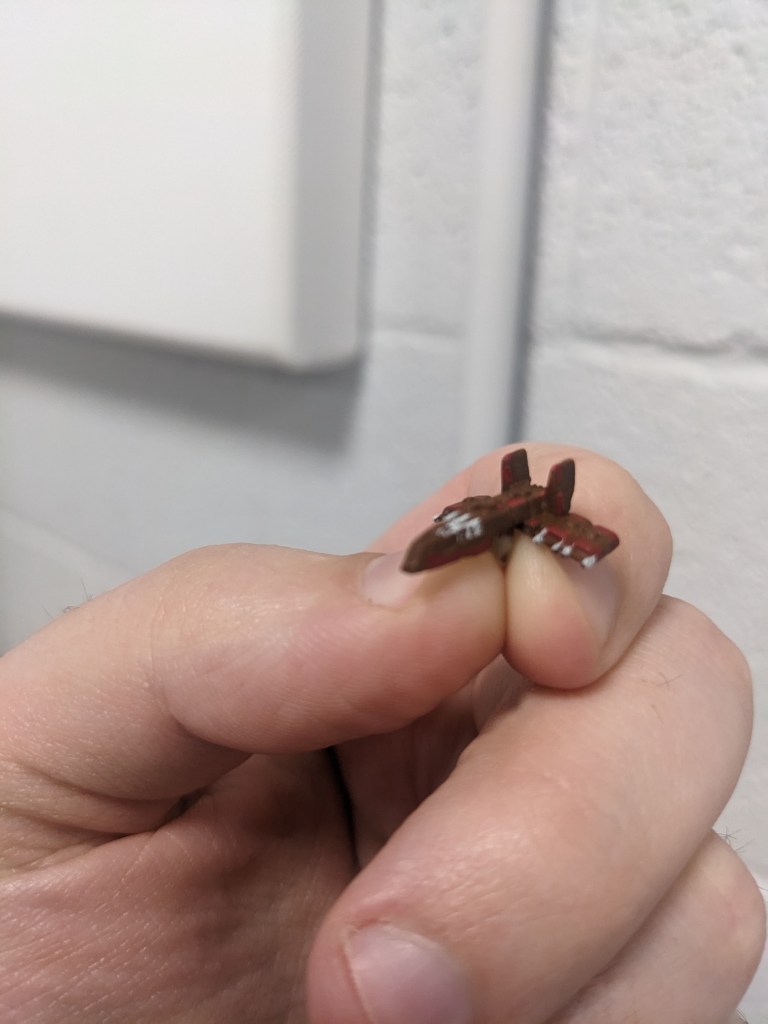
Now we are going to fill in the windows with Base Abaddon Black. You will likely cover trim on accident like I did below. With some back-and-forth cleanup you should be able to get it decently enough eventually. Don’t forget the observatory pane on the roof!
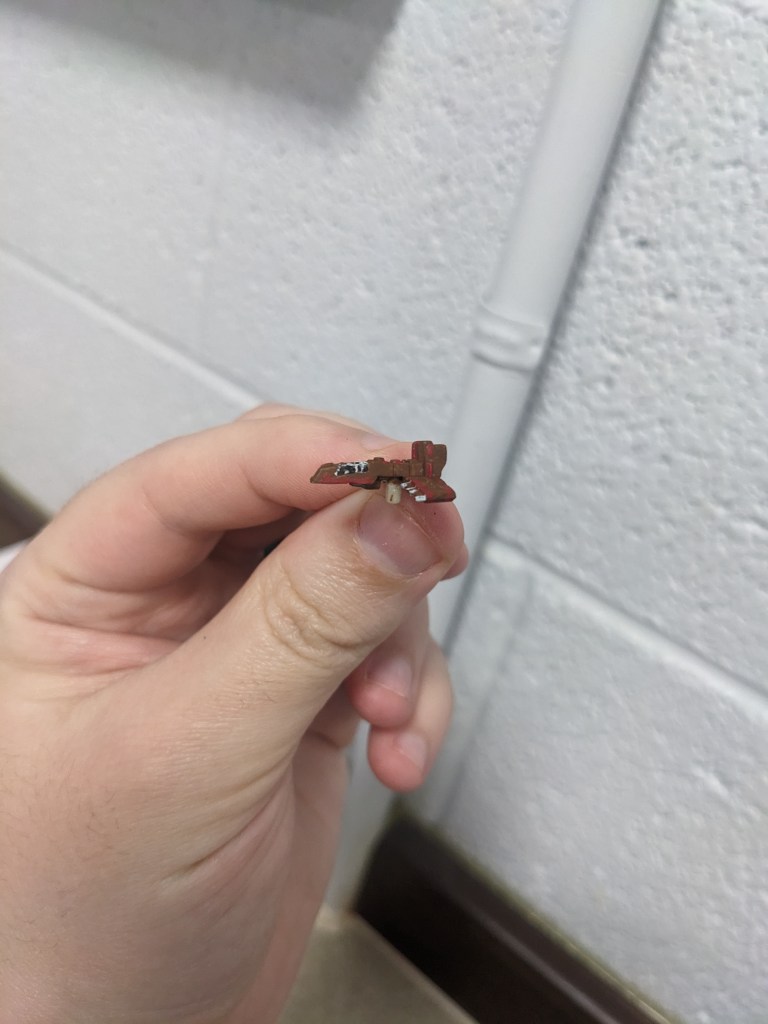
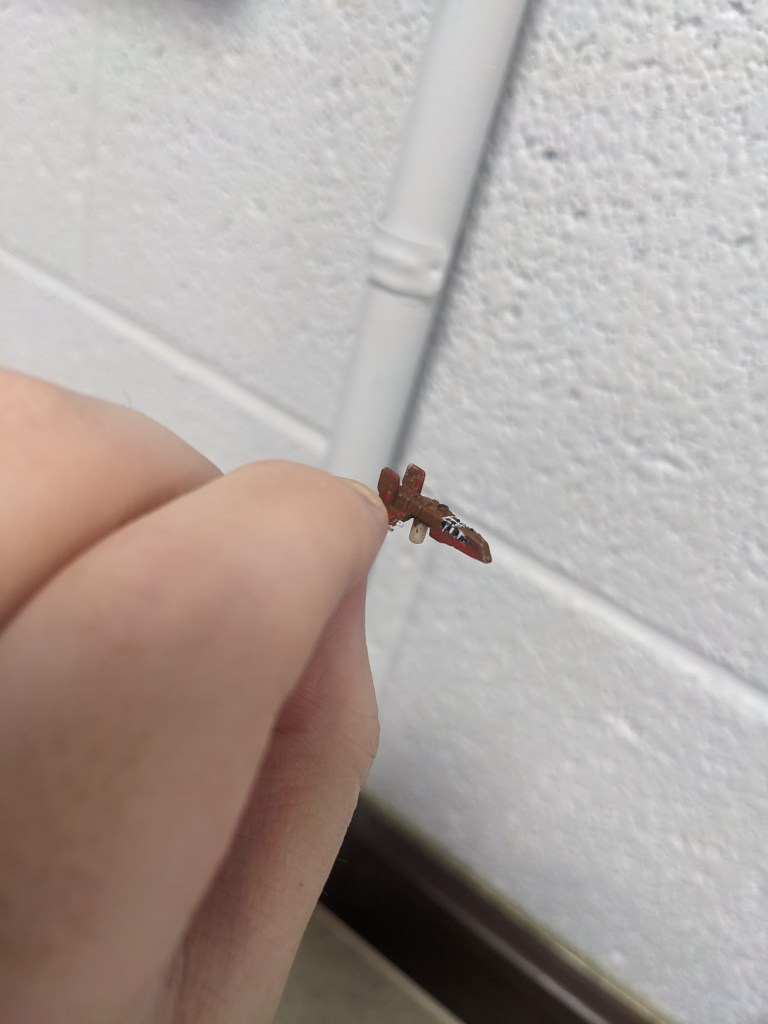
Next we are going to do the gun barrels on the underslung turret with Layer Dawnstone. They are not well defined, so just do your best.
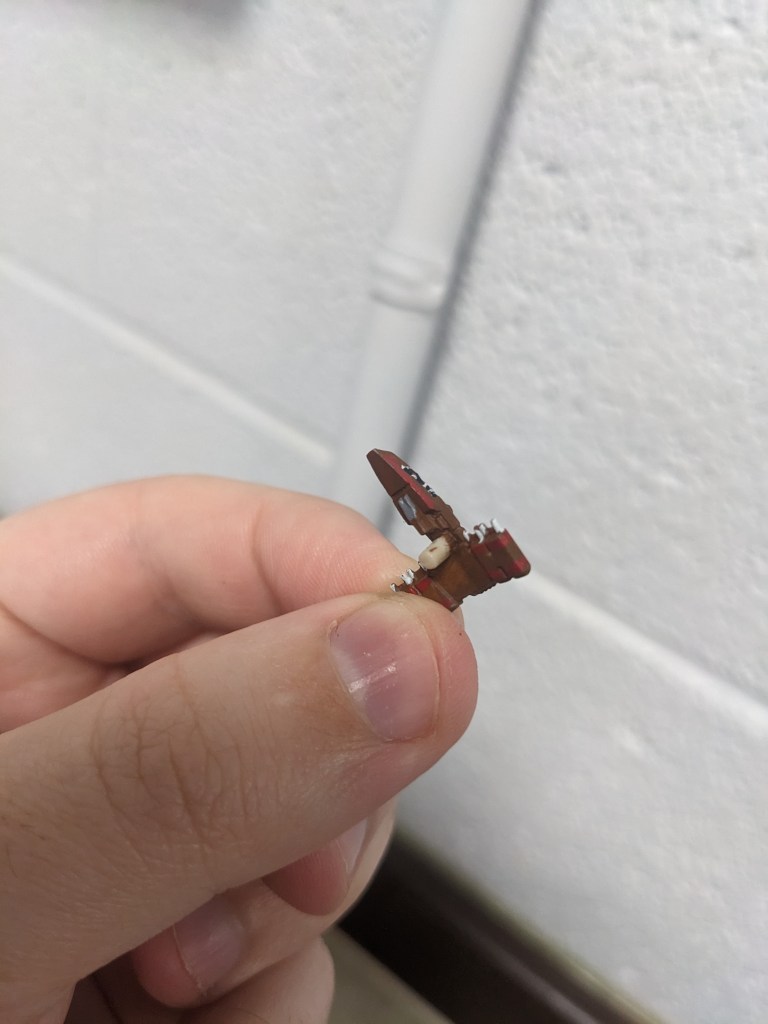
Next we will use Shade Nuln Oil. This will get the color where we want it to be, pop the details, and help cleanup the cockpit trim a bit.
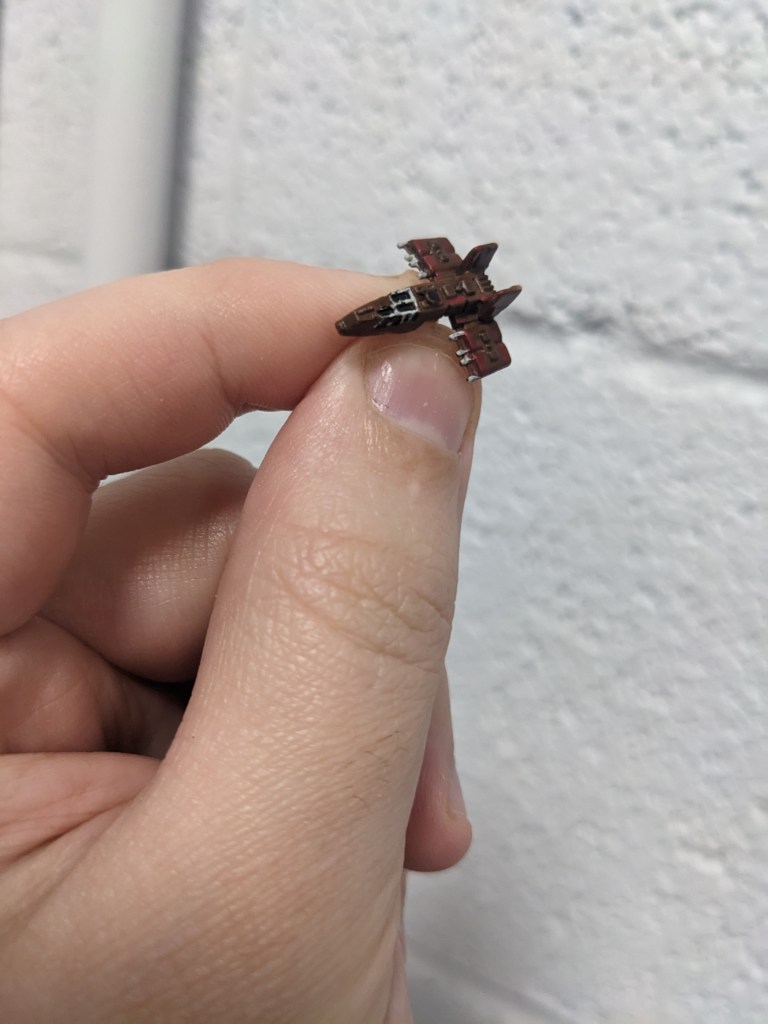
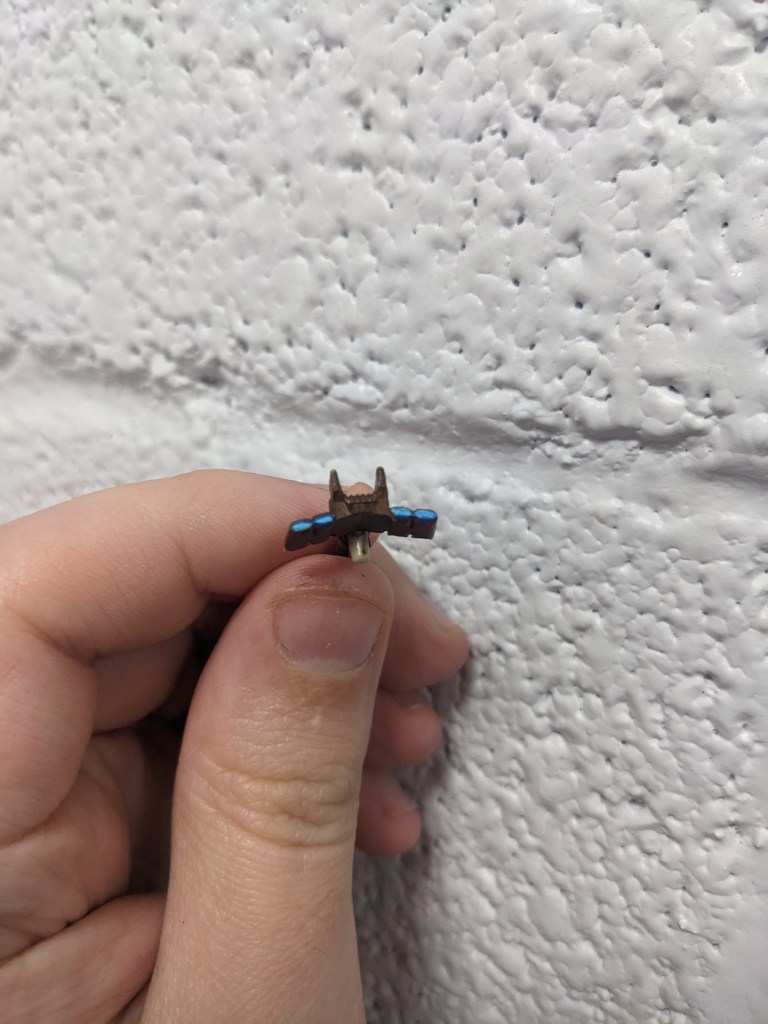
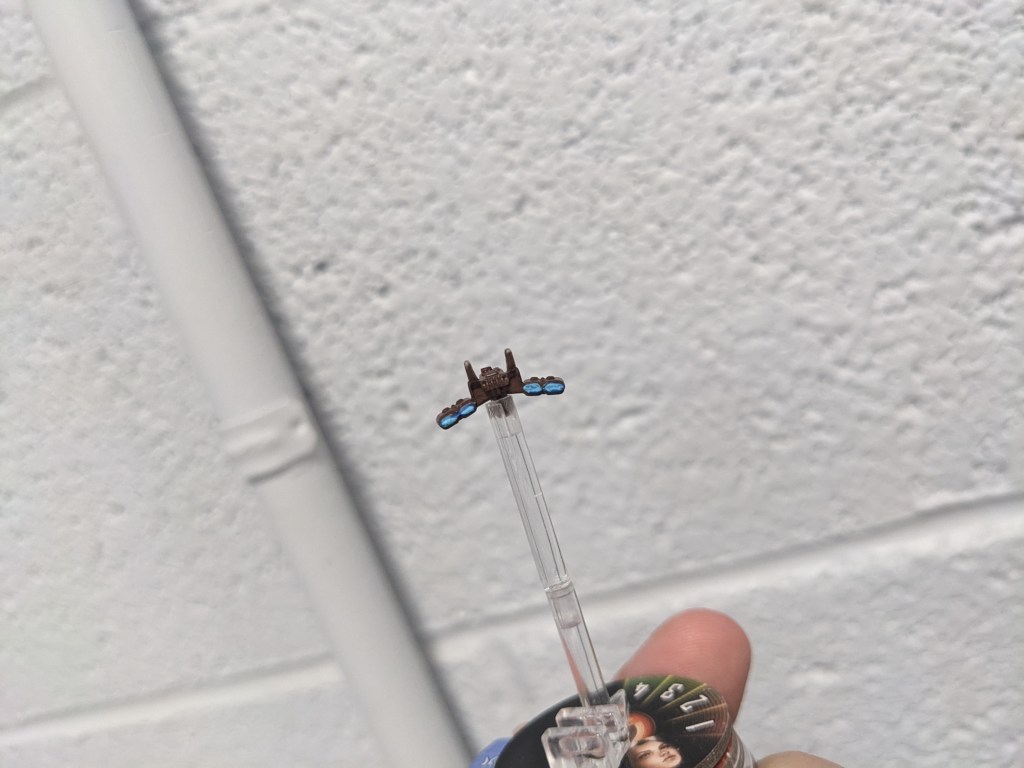
Lastly, engine flares! The Hwk-290 has a deep teal color as opposed to the Millennium Falcon’s white hot light blue. To achieve this, we will start with Base Caledor Blue.
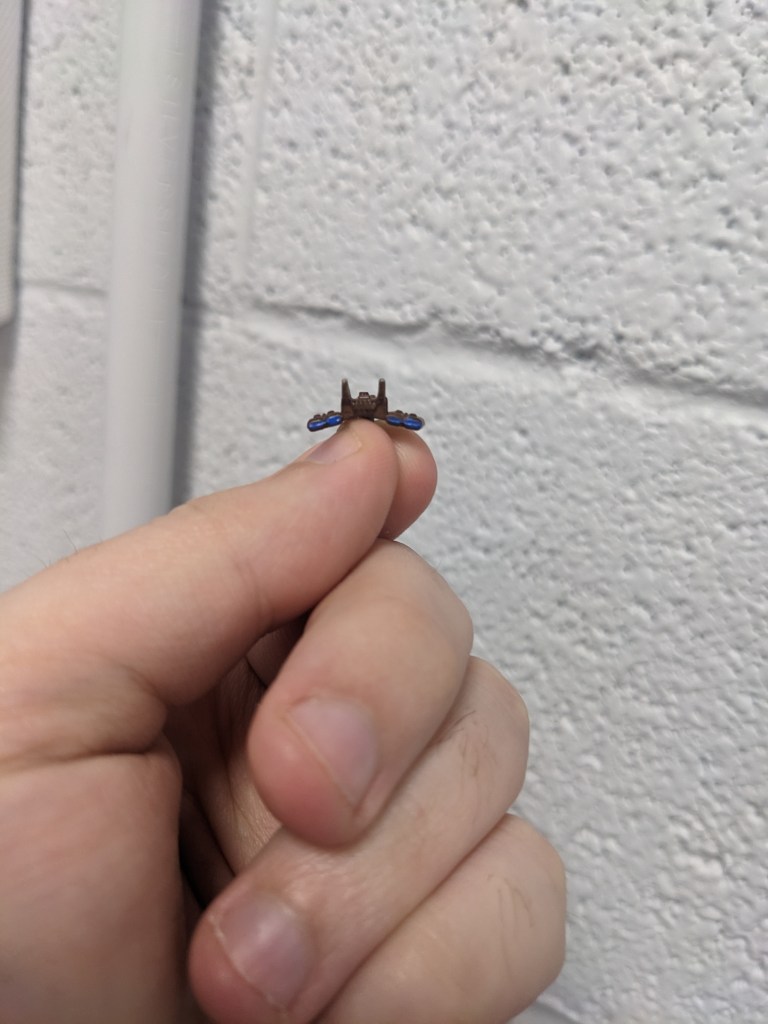
Next we will use Layer Ahriman Blue, leaving just the very edges the darker blue underneath to start building the core flare but keeping the rich blue color.
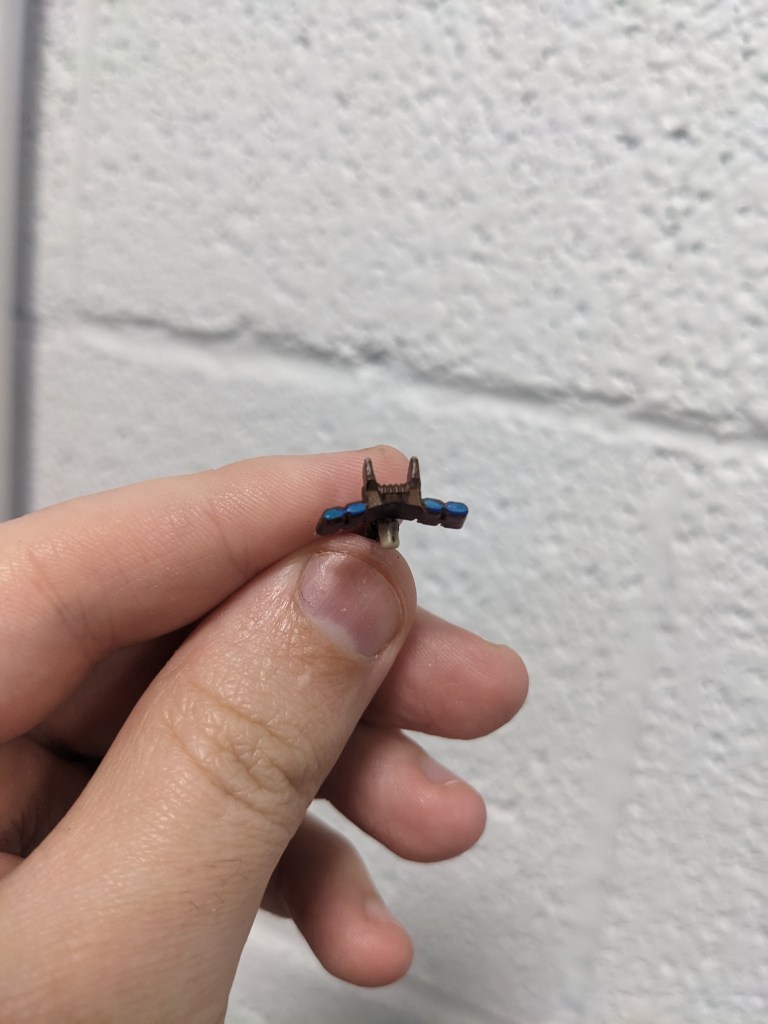
Next we want to do Layer Baharroth Blue in about the middle line of the engines. Feel free to flare it out to the edge, just barely showing the other two layers.
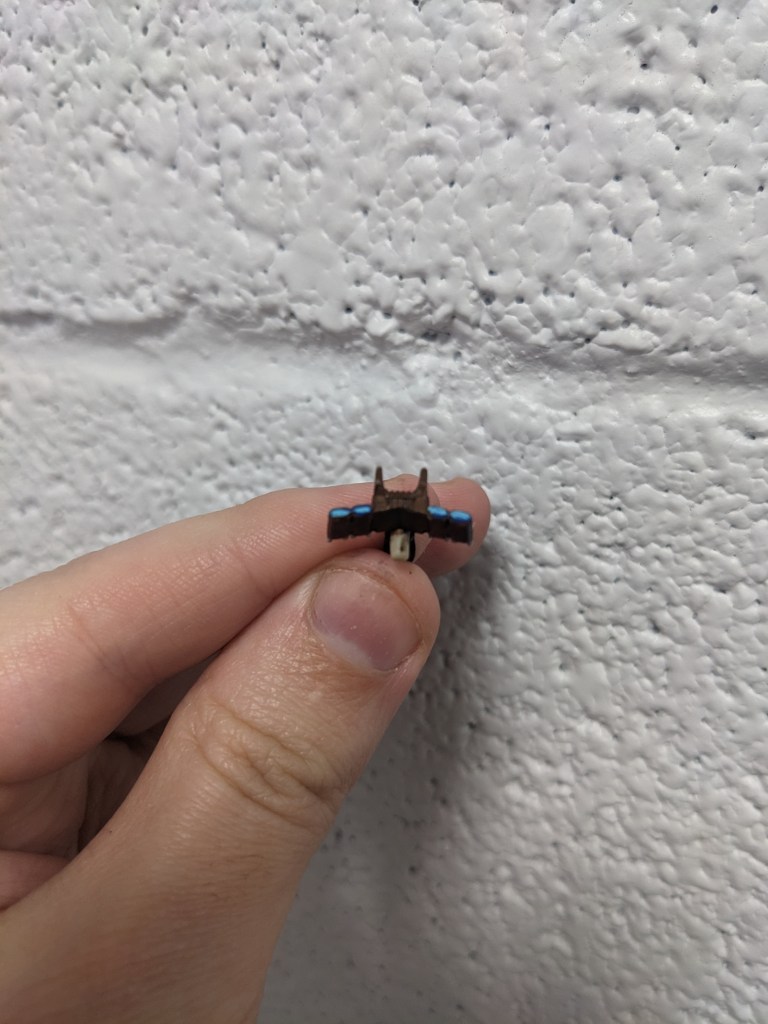
Last but not least, cover the whole blue area with Contrast Pylar Glacier. It tends to be a very thin watery paint, but will just take the hue and nicely blend those edges a smidgen. There is not texture on the back of the model apart from mold lines, so do not go too heavy with this or it will streak.
How did you do?
 Intergalactic Empire Productions
Leave a comment